
B2B Edition Update for June 6th, 2023
1686082405763
Buyer Portal Migration
We are now working with merchants who are interested in migrating to the new Buyer Portal! If you are interested please fill out this form:
Once the form is complete a member of the B2B product team will reach out to set up a migration consultation and the process will kick off.
Buyer Portal
The text color of a button can now be changed via the Custom CSS Box
Use “color: #FFFFFF;” With the appropriate color code to change the text color of a button inside the Buyer Portal
Media queries are now supported in the Buyer Portal Custom CSS Box to ensure proper button placement when in use on a theme.
Use this format: @media (max-width: 768px) {
width: 100%
}
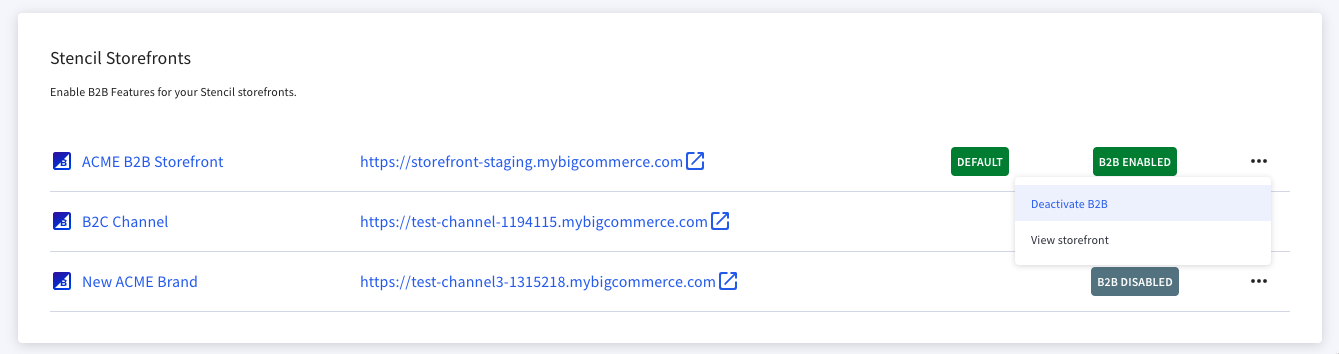
A “View storefront” option was added to the Storefronts action drop down for ease of use and an additional access point to storefront-specific settings.
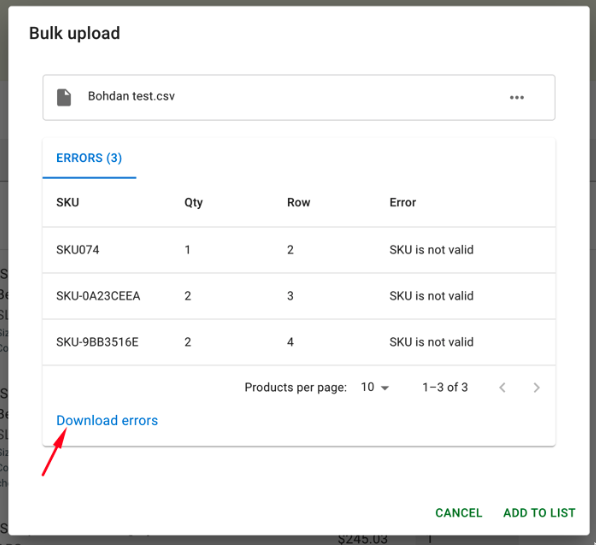
The name of the error download during bulk CSV import in the Buyer Portal has been changed to “Bulk_Upload_Errors_hash.csv”
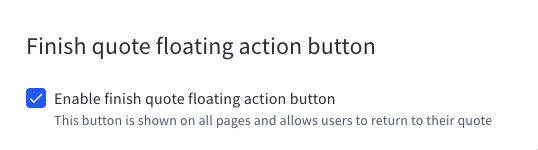
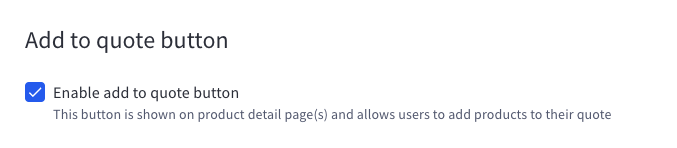
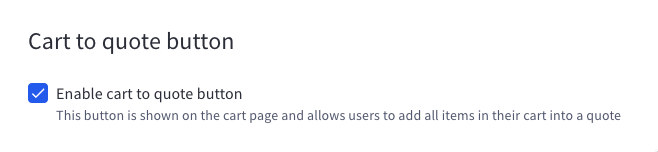
Names of the quote buttons and associated text inside the Buyer Portal Settings pages were changed to:
“Finish quote floating action button”
“Add to quote button”
“Cart to quote button”
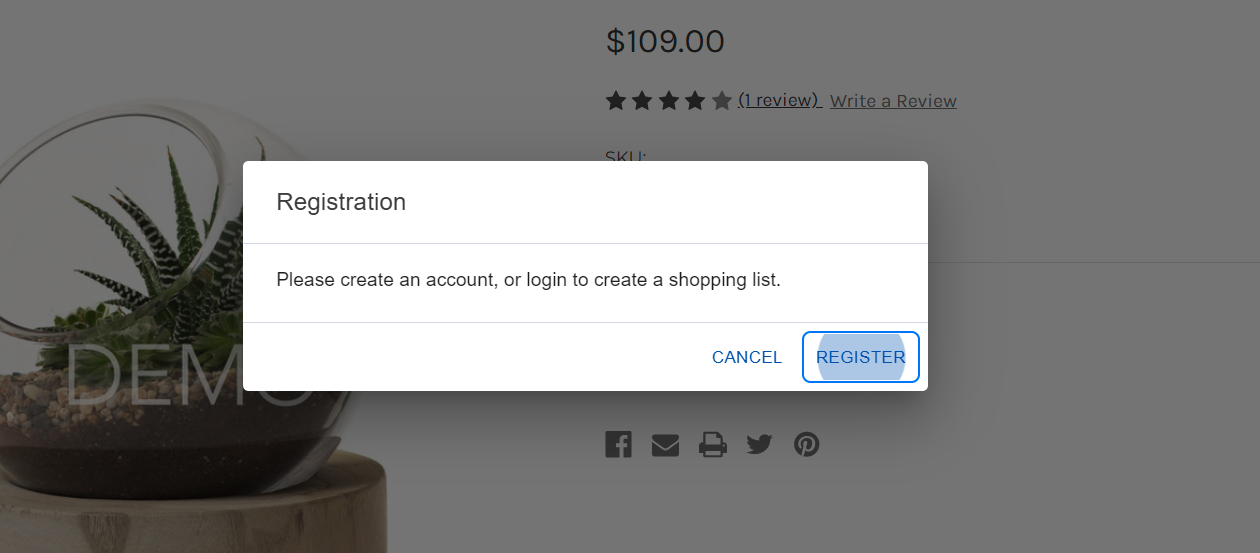
Additional messaging was added when a guest user attempts to add a product to a Shopping List prompting them to register to access this functionality. <insert saved image>
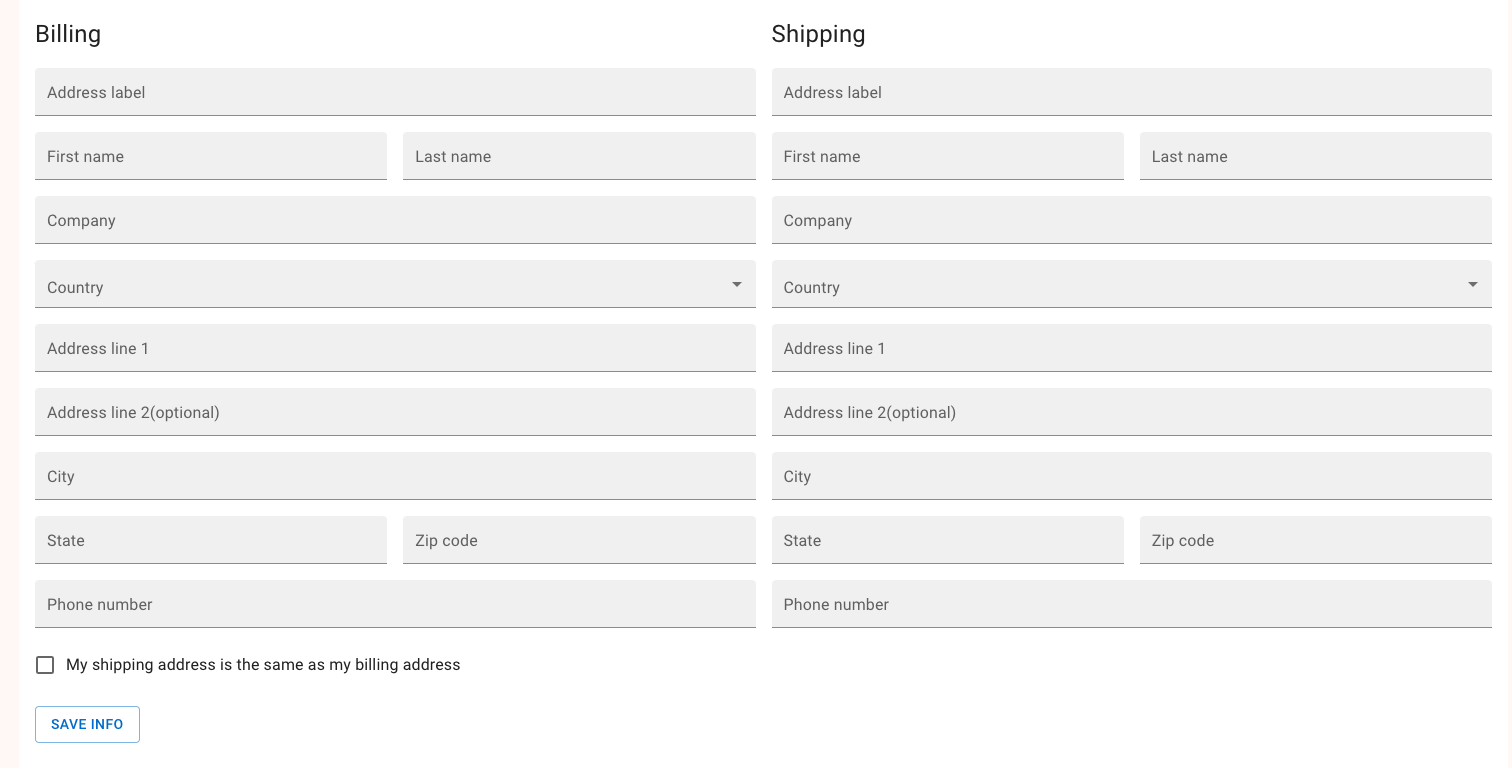
A checkbox was added to the quote form to prefill the shipping address from the billing address to reduce buyer fatigue when requesting a quote.
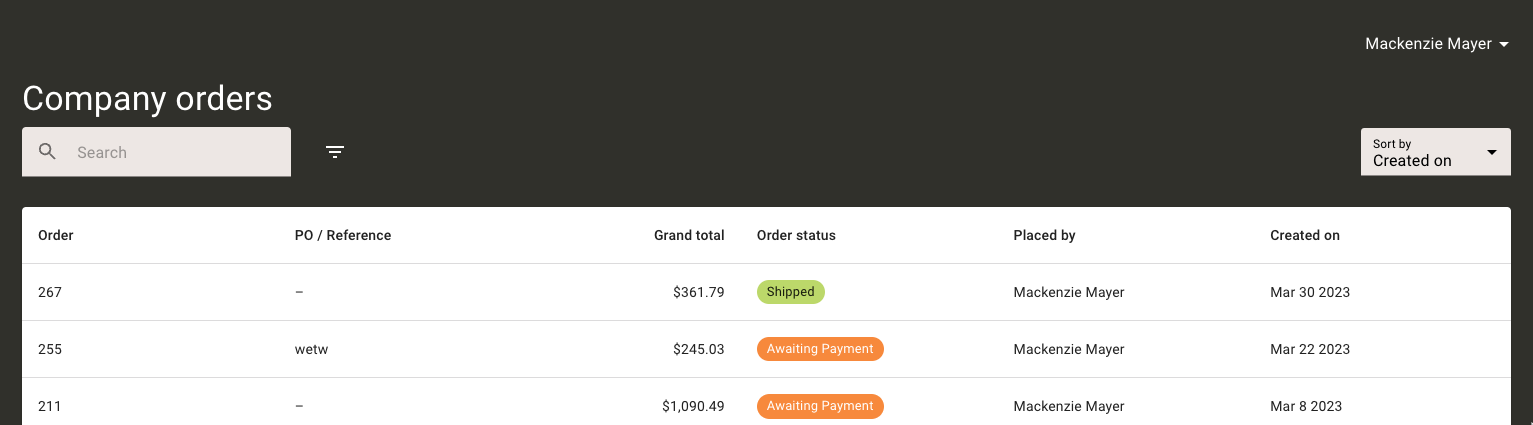
The Buyer Portal Base text will automatically color adjust based on the darkness/lightness of the background selected, improving support for dark background colors.
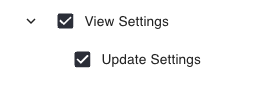
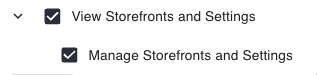
Specific roles & permissions for editing the buyer portal settings were added to the custom user role form. These settings now default for admin and store owner user types.
Global Buyer Portal settings are included under View/Update Settings.
Storefront-specific settings are now included under View/Manage Storefronts and Settings.
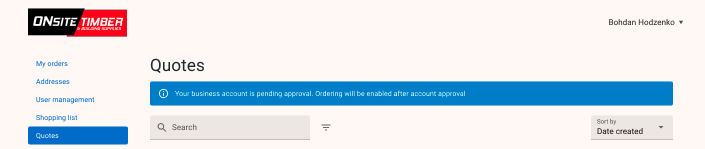
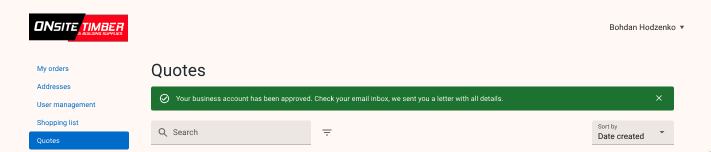
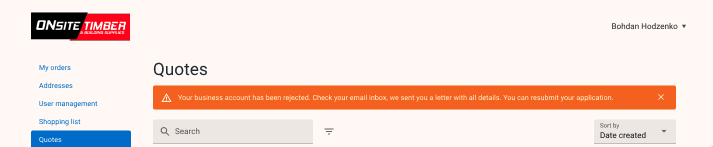
Additional notifications were added inside the buyer portal to notify a business buyer of the account status after registration.

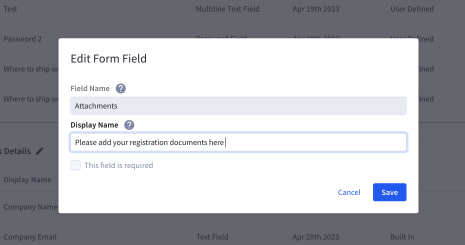
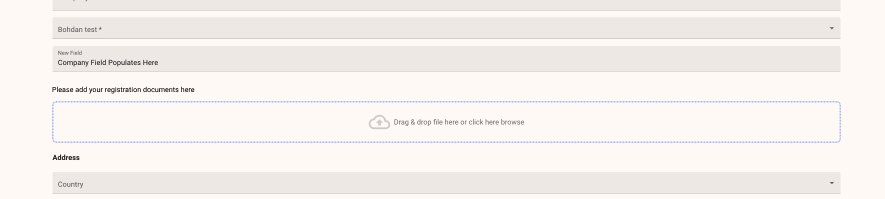
A title can now be added around the “file upload” option to provide more clarity on what needs to be uploaded inside a business application.
Theme Updates
The B2B Supermarket theme was uploaded to the most recent version and added to the B2B Themes app for merchant download.
Did you like this update?


Leave your name and email so that we can reply to you (both fields are optional):
