
Automate Purchase Order Entry on Your Store Today!
1790769600000
Upload a PO, get a Cart. Automate Purchase Order Handling
Most B2B orders don't come through your storefront, they come in as a PDF, a spreadsheet, or an email attachment. Someone on your team opens it, matches every line to a SKU, checks stock, and keys it into your store by hand.
The BigCommerce Purchase Order Agent does that work for you. Buyers upload their PO, PDF, spreadsheet, image, even a photo of handwritten notes, and the agent reads it, matches every line item to your catalog, applies the buyer's pricing, flags anything that doesn't line up (price, stock, address), and builds a cart that's ready for checkout.
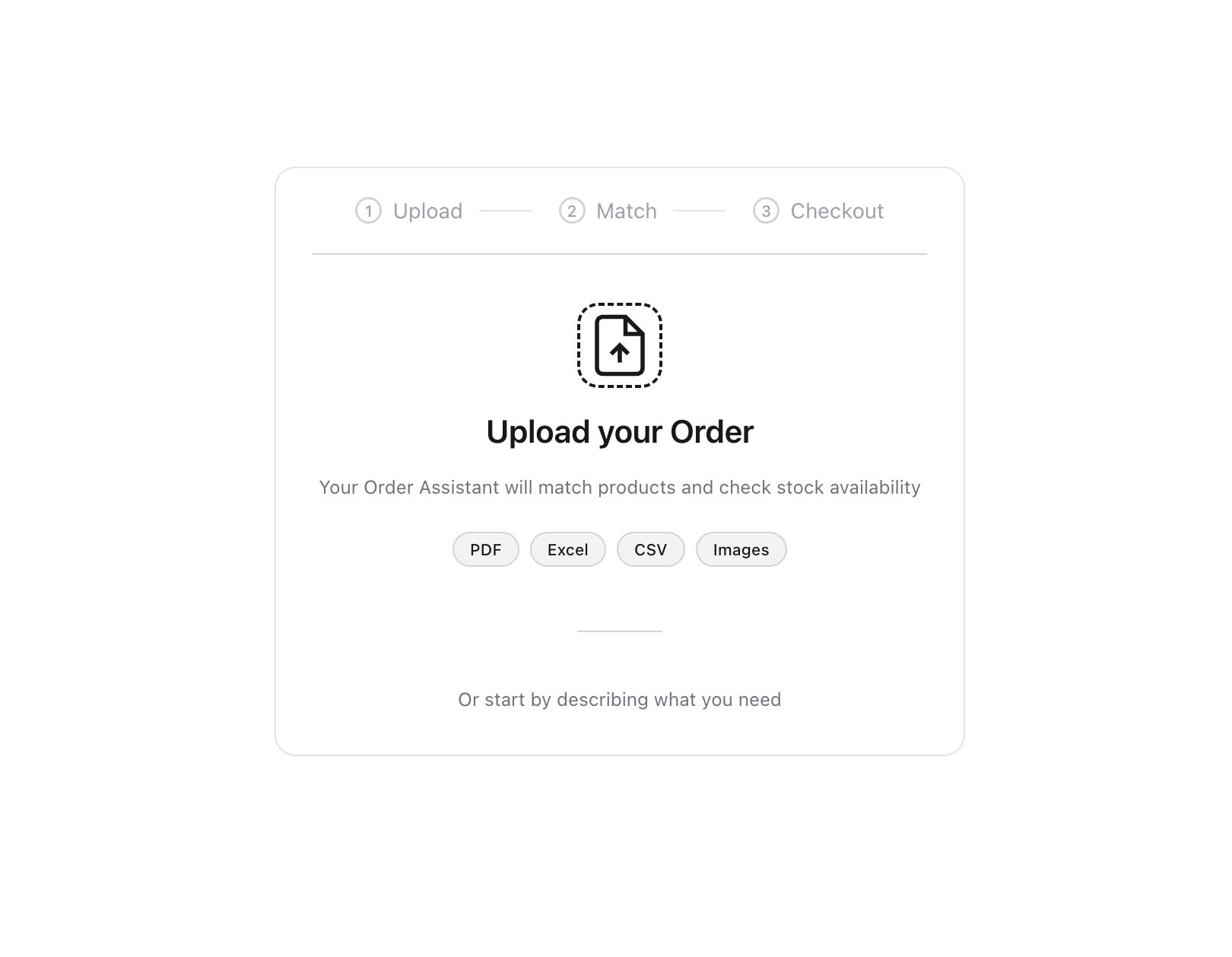
How to get it running in about 5 minutes:
Install the AI Agents app from the BigCommerce App Marketplace. You'll need to be the store owner to install it.
Open the app, select your storefront, and enable the Purchase Order Agent, it creates the storefront page automatically.
Share the upload link with your customers (yourdomain.xx/purchase-order-agent), or process orders on their behalf using the built-in preview.
It’s free while in Alpha No catch, no trial clock. Down the line this moves to usage-based pricing, and we'll give you plenty of notice before anything changes.
Full setup docs: support.bigcommerce.com/s/article/Purchase-Order-Skill
If you have any questions or feedback, please reach out to your support personnel, or comment directly on this article.
Did you like this update?


Leave your name and email so that we can reply to you (both fields are optional):
